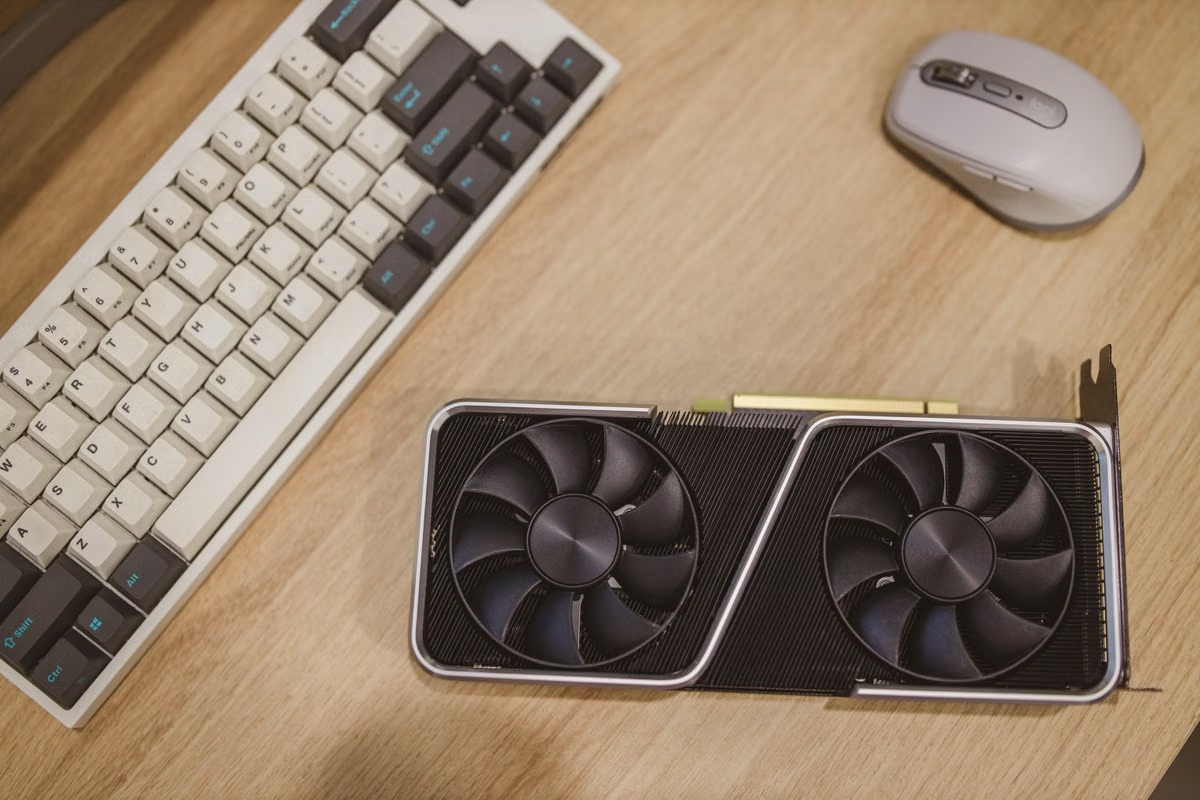
Your model tests are growing, but you still don't know whether an AI device will earn back its cost.
Fastest answer: Don't decide from a device price or one inference benchmark. Compare effective workload hours, concurrency, maintenance, software compatibility, and idle time; assess buying only when demand is steady, and price on-demand compute first for short or variable work.
For individual developers considering a local AI device, this guide helps you account for ongoing use and maintenance.
For technical leads, it gives you a consistent way to compare owned equipment with rented compute.
If you're still validating a model or agent, use the framework to avoid committing before the workload is stable.
Last updated October 2, 2026. CES 2027 timing was checked against the CES registration and notification page; RTX Spark information was checked against NVIDIA's product information and public announcement.
What does CES 2027 RTX Spark cost tell you—and what doesn't it?
CES has confirmed its CES 2027 dates, and NVIDIA has published information about RTX Spark. Those facts are useful context, but they do not give you a confirmed cost for a CES 2027 purchase or a complete ownership estimate. The product page offers information and an availability notification; use a formal product quote and confirmed availability before entering a hardware price into your model. CES event information and NVIDIA's RTX Spark page are the relevant starting points.
Do not treat a reported price, expected supply, or rumored launch detail as a budget input. Media discussion can help you identify what to verify, but it cannot replace a formal quote. As of the date above, the CES 2027 product price, supply, and resulting ownership cost remain unconfirmed. NVIDIA's public RTX Spark information is not, by itself, a complete estimate of your team's total cost of ownership.
The practical question is narrower: for the workload you actually expect, does buying leave you with a lower effective cost and acceptable operational responsibility than renting compute? Your estimate is only as reliable as its assumptions. Keep the assumptions visible, and replace placeholders when you have formal offers and measured usage.
Set a comparison that reflects your workload
Before comparing providers or hardware, define the same operating conditions for both options. Record:
- Evaluation period: Choose a period that matches your budget decision. Use the same period for ownership and rental calculations.
- Effective runtime: Estimate the hours that model tasks will actively use the device. Do not count all calendar hours or powered-on hours as productive use.
- Model and task mix: List the models, inference or development tasks, and any workflow requirements you expect to run. A benchmark for a different model or task is not a substitute.
- Concurrency: Note how many jobs or users need capacity at the same time. A device that handles one test well may not meet a multi-user workload.
- Operations ownership: Decide who will install software, handle failures, manage access, and recreate environments. Those responsibilities consume time whether the device is in your office or rented.
For a fair comparison, record assumptions beside each result: model version, relevant runtime settings, workload mix, concurrency, and measurement method. When those conditions change, the cost comparison may change too.
Reminder: No amount in this article is a product quote. Leave the hardware and rental price fields blank until you verify them against formal, current terms.
First, calculate what ownership really includes
A device's quoted price is only the starting input. Build the ownership estimate from the costs you would actually incur:
Owned cost for the evaluation period = device cost allocated to that period + required setup + ongoing operating costs + maintenance and staff time + idle capacity cost.
For an estimate, separate one-time costs from recurring ones. The device and any required storage, network changes, workspace adjustments, and peripherals belong in the setup section. Operating costs belong in the period when you incur them. Add support and maintenance only as far as they apply to your use case; do not assume they are included with the hardware.
If you expect to keep the device beyond the period, set an explicit assumption for how you treat its remaining value. If you cannot support a resale or reuse estimate with evidence, do not subtract an optimistic value from the cost. You can instead calculate the period's cost without that credit and revisit the assumption when you have a defensible figure.
Include team time as a cost, not as an invisible bonus. Record the time needed for installation, environment setup, updates, troubleshooting, and restoring a working environment after a failure. If staff time has an internal cost rate, use the rate your organization actually applies. If not, still record hours so the decision-maker can see the operational burden.
For rental, check the actual offer rather than assuming that every provider bills the same way. Capture its billing unit and any minimum commitment, storage, data transfer, setup, support, and access terms. Separate charges tied to active use from charges that continue when a project is paused. Use the price and terms on the quote or service page, not an estimate from an unrelated workload.
Which recurring costs can change your answer?
Availability is not utilization. A device may be ready all day and still sit idle between projects, model experiments, approvals, or user demand peaks. Estimate productive workload hours from a realistic schedule. If you have no usage history, write down a low, expected, and high-demand scenario rather than presenting one guess as a forecast.
You can expose the effect of downtime and idle periods with two simple calculations:
- Effective owned cost per workload hour = total ownership cost for the period ÷ productive workload hours in that period.
- Idle capacity cost = period cost attributable to the device × share of capacity that goes unused.
The second calculation is a planning aid, not an accounting standard. Define what you mean by unused capacity and apply that definition consistently. For example, distinguish a device reserved for a confirmed workload from one kept available in case demand returns. The reserve may be intentional, but it still has an opportunity cost compared with a rental plan you could pause.
Model gaps between projects as well as peak demand. A short burst may require more capacity than your usual workload, while the quiet period afterward leaves owned hardware underused. Also include any likely need to upgrade or expand capacity. Don't assume a purchased device will continue to match a changing model, software stack, or concurrency requirement throughout your full evaluation period.
For a small development team, make the scenarios operational: identify when the project starts, when the model choice is expected to stabilize, and whether another workload will use the device afterward. That case-specific timeline is more useful than treating continuous availability as continuous value.
Compatibility and team effort have a cost
A hardware quote cannot tell you whether your code, model workflow, and supporting software will run in the environment you plan to use. Check the official RTX Spark porting guide against your actual application. The guide documents porting considerations; it is not evidence that every dependency or development tool will work unchanged.
The boundary can be practical, not theoretical. Windows on Arm applications may depend on emulation or on software that has an appropriate native build. Microsoft's documentation explains application emulation on Windows on Arm and the requirements for developing Arm64 drivers. If your workflow relies on a driver or dependency that is not available in the environment, budget for a replacement, a port, or a different execution path. Don't assume emulation resolves driver compatibility.
Keep an eye on toolkit and graphics dependencies too. CUDA support changes with toolkit releases, so validate your required components against the CUDA Toolkit release notes. If your software relies on graphics APIs, use NVIDIA's Vulkan and OpenGL porting notes as a prompt to test your own application. These documents identify issues to examine; they do not guarantee that your complete stack is compatible.
Turn each check into a recorded task: install the required environment, run a representative job, verify the output, test the expected concurrency, and document the recovery steps. Count the engineering hours. If you have no reproducible test yet, mark compatibility as unverified rather than treating it as a purchase-ready fact.
A decision checklist you can fill in
Complete this before requesting approval. Enter your own measured usage and verified quotes; do not borrow someone else's estimates.
- [ ] I have specified the evaluation period and used it consistently for ownership and rental.
- [ ] I have estimated productive workload hours from observed use or written down low, expected, and high-demand scenarios.
- [ ] I have listed models, task types, and concurrency requirements that represent the intended work.
- [ ] I have included device setup, required storage, network changes, power arrangements, and necessary peripherals in the ownership estimate.
- [ ] I have obtained a formal hardware price and recorded any assumptions about reuse or remaining value separately.
- [ ] I have checked the rental billing unit, minimum commitment, storage, data transfer, setup, support, and access terms against a current offer.
- [ ] I have assigned time for installation, maintenance, troubleshooting, environment recreation, and upgrades.
- [ ] I have tested the required software path or marked compatibility as unverified.
- [ ] I have calculated effective owned cost per productive hour and compared it with the cost of renting for the hours I need.
- [ ] I have written down what changes would trigger a new estimate, such as a model change, sustained increase in concurrency, or a project pause.
Use the result as a decision gate, not a universal answer. If demand is frequent and stable, compatibility is verified, and the team can maintain the equipment, evaluate a purchase using your completed estimate. If demand is variable, the model is still under test, or the work is temporary, get an on-demand rental quote and compare it with the same workload assumptions. If neither option covers a requirement, identify that gap before committing.
Common questions about local AI costs
Should you buy hardware or rent compute to run local AI models?
Compare the same workload, model, concurrency needs, and evaluation period on both options. Buying is worth evaluating when demand is frequent and stable, software compatibility has been tested, and your team can maintain the device. For a short validation phase or variable demand, estimate pay-as-you-go compute first. Neither choice wins on the device price or a single speed test alone.
What belongs in the total cost of a local AI device?
Include the device, required storage, network and power arrangements, and any necessary peripherals or workspace changes. Add maintenance, troubleshooting, environment recreation, and staff time. Then account for idle periods and possible upgrades. Compare those with the rental plan's actual billing unit, minimum commitment, storage, data transfer, setup, and support terms; verify each item against a current quote.
How can you estimate idle costs for AI hardware?
Estimate productive workload hours over the period, not the hours the device is powered on or available. Divide the period's ownership cost by productive hours to find an effective cost per workload hour. Also record project gaps and capacity reserved for spikes. If demand is intermittent, compare that effective cost with rental charges for the hours you actually need.
Does a short AI development project justify buying a local device?
Usually, you should price rental first when the project is short, exploratory, or likely to change models and resource needs. Purchase can still make sense if the device has a confirmed use after the project, or if recurring access and operational constraints justify ownership. Include setup and teardown time, compatibility work, and the cost of keeping hardware after the project ends.
Keep Mac builds separate from local AI inference
A local AI device and a remote Mac environment solve different problems. If you need to run local model inference, compare inference-capable hardware and rental compute against that workload. A remote Mac build environment is not a substitute for the local AI device you are assessing.
If the project also requires macOS builds, treat that as a separate budget line. Check the Kvmjet infrastructure overview for context, and review the Kvmjet Silicon Valley Mac node information for a remote Mac environment option. Confirm current availability, terms, and suitability for your build process directly before budgeting; don't infer local AI inference capability from a Mac build resource.
For your primary AI workload, compare the verified purchase quote with the actual rental terms. Buying may fit steady, tested demand when you can carry maintenance and idle periods. For a short experiment or uncertain peak, rental can avoid paying for capacity you do not use, though billing terms and access constraints still matter. Write down your usage hours, maintenance effort, compatibility status, and idle assumptions before choosing. If macOS CI is the separate short-term need, evaluate a Kvmjet remote Mac option for that build work—not as a replacement for RTX Spark inference hardware.
Rent a Mac for AI Inference and macOS Builds
Use Kvmjet bare-metal Mac mini M4 nodes for Apple Silicon AI inference, Xcode builds, and macOS development without buying local Mac hardware.
Choose daily billing for short tests or a longer plan for ongoing development, and match the memory tier to your workload.